An SMTP Relay Service That Reports Back
Change the host and port, keep your code. Get authentication checks, warmup, retries and a trace for every message sent through your SMTP relay service.

Six jobs you stop doing by hand
An SMTP relay is only useful if it removes work. These are the parts of outbound mail that usually end up as a tangle of cron jobs and runbooks.
Drop-in SMTP endpoint
Port 587 with STARTTLS or 465 with implicit TLS. Any framework mailer, CMS or legacy system that speaks SMTP works with a host and credential change.
Authentication verified first
SPF, DKIM and DMARC alignment are checked before the first production send, so a broken record never quietly undermines the rest of the setup.
Warmup on a fixed ramp
A new domain goes from 50 sends a day to 100k over roughly four weeks, with the curve enforced by the relay instead of a spreadsheet.
Retries with backoff
4xx deferrals retry with exponential backoff. 5xx rejections stop immediately and are classified, so a dead mailbox is not hammered all night.
Trace per send
Open, click, bounce and spam signals for each message, streamed over SSE, with the raw SMTP response attached when a send fails.
Export to your stack
Send the same events to Datadog or Grafana and alert on delivery the way you alert on latency and error rate.
From local Postfix to relayed in five steps
Most migrations take an afternoon. The slow part is the ramp, and that part runs unattended.
-
1
Add the sending domain
Publish the SPF include and DKIM records the service gives you. Alignment is verified before anything leaves the building.
-
2
Create SMTP credentials
Generate a scoped credential per application, so one leaked password never exposes every service that sends mail.
-
3
Point your mailer at the relay
Set the host, use port 587 with STARTTLS, and send a test message. In Postfix, this is one relayhost line in main.cf.
-
4
Set a target volume and window
Choose where you want to land and over how long. Four weeks to 100k a day is a common starting point for a cold domain.
-
5
Watch traces, then cut over
Route a small share first and read the traces. When bounce and complaint rates look normal, move the remaining volume.
For a team retiring a self-hosted Postfix box
A mail server you run yourself works until the day it does not. An IP lands on a blocklist, the queue backs up behind a slow recipient, or the one person who understood the config leaves. A relay takes over delivery, reputation and retries, while your applications keep sending to an SMTP endpoint exactly as before. You see which batch bounced and why, instead of reading mail logs over SSH.
- Keep the SMTP interface your apps already use
- No queue or blocklist to babysit
- Raw SMTP responses in the trace, not just a status label

For a product team whose transactional volume keeps stepping up
Transactional mail grows in jumps. A new onboarding flow ships, a feature reaches general availability, and daily sends double overnight. Ramping the new volume in behind the scenes keeps password resets and receipts landing in the inbox while the pipeline scales, and an alert names the signal if something trips instead of leaving you to guess.
- Handles step changes, not just steady growth
- Existing transactional sends stay unaffected during a ramp
- Auto-pause when bounce or spam rates cross a threshold
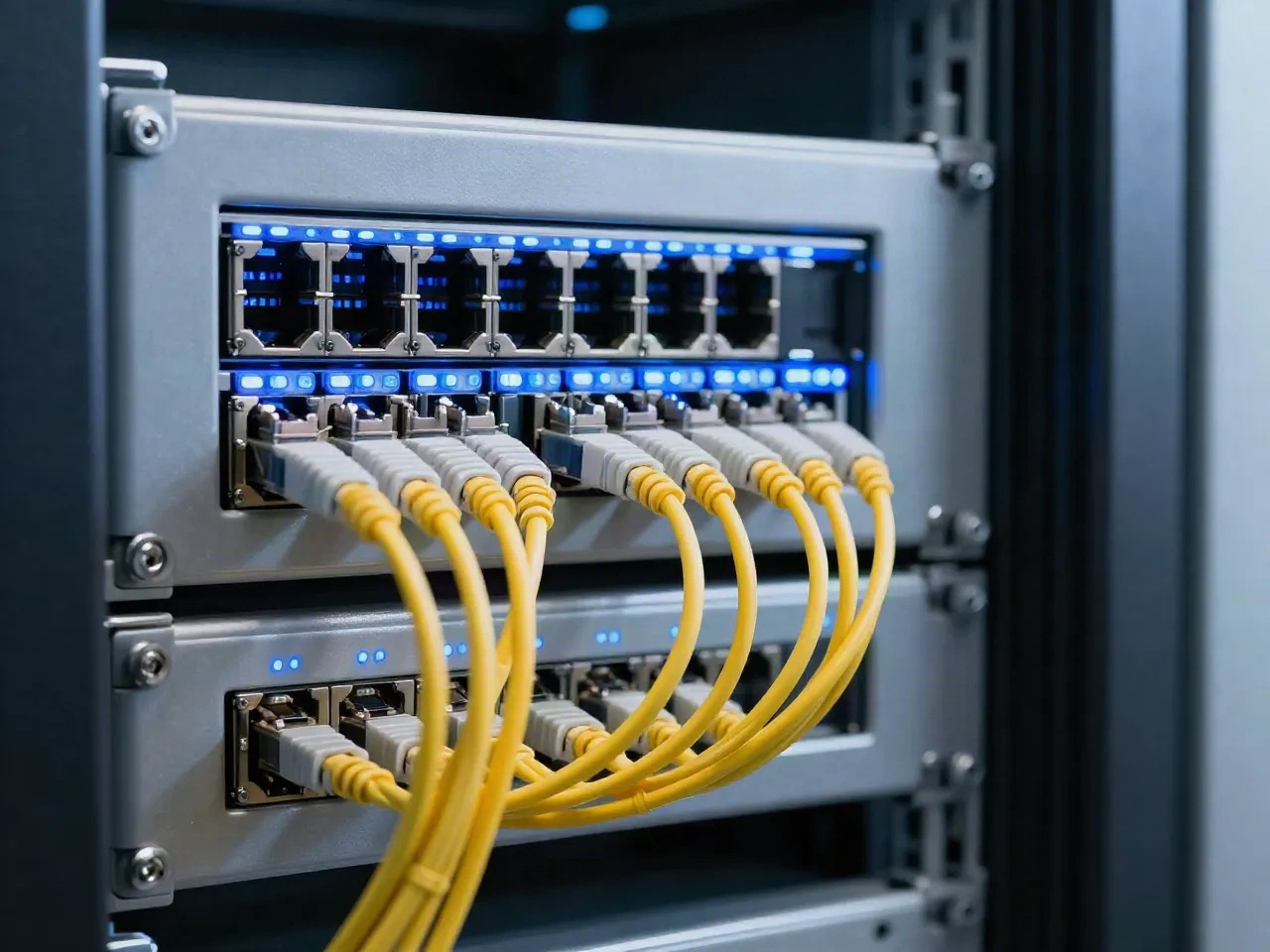
Where an SMTP relay sits between self-hosting and an API
Not a ranking. The right choice depends on what you already run and how much of delivery you want to own.
| Criterion | Self-hosted MTA | SMTP relay service | HTTP email API only |
|---|---|---|---|
| Works with existing SMTP code | Yes | Yes | No, needs an integration |
| IP and domain reputation | You manage it | Managed, with warmup | Managed, with warmup |
| Retry and bounce handling | Your own config | Built in, classified | Built in, classified |
| Per-send trace | Mail logs on the box | Trace plus SSE events | Trace plus SSE events |
| Idempotency keys | Not available | Via the API and SDKs | Native |
| Operational burden | High | Low | Low |
Common questions
What is an SMTP relay service?
Which port should I use for SMTP relay?
How is an SMTP relay different from an email API?
Do I still need SPF, DKIM and DMARC with a relay?
Can I move from my own Postfix server without downtime?
What happens when a send fails or the recipient server is busy?
Will a new domain land in the inbox on day one?
Is it worth using a relay at a few thousand emails a month?
Swap one hostname, keep the rest of your stack
Point your mailer at the relay, ramp the domain, and read the trace for every send. Warmup and auto-pause are on by default.