An Email Warmup Tool Built to Pause Itself
Ramp a sending domain from 50 to 100k a day, watch bounce and complaint signals in real time, and let the system pause itself before your reputation drops.
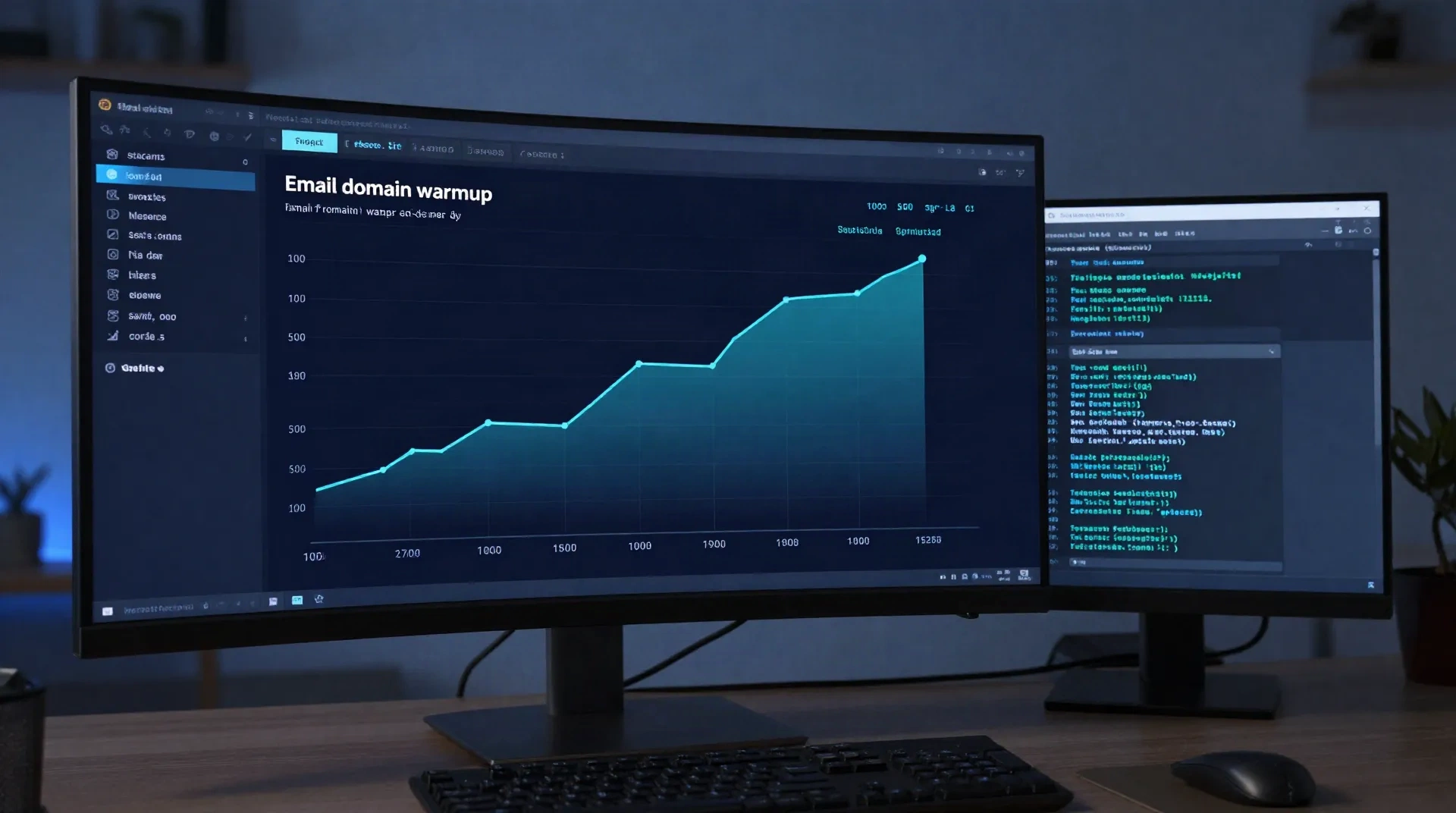
Six things an email warmup tool should handle without you watching it
Most teams don't need another dashboard to babysit. They need the ramp, the checks, and the pause switch to run on their own.
Volume ramp on a schedule
You set the target: 50 sends a day to 100k. The engine increases volume on a fixed curve instead of a spreadsheet you update by hand.
Auto-pause on reputation risk
Bounce rate, spam complaints, and blocklist hits get checked continuously. Cross a threshold and the ramp halts before the next batch goes out.
Real engagement, not a mailbox pool
No network of inboxes trading fake opens and replies. The warmup runs against your actual send patterns, which is what inbox providers are scoring.
DNS and auth checked first
SPF, DKIM, and DMARC alignment get verified before the first send. A misconfigured record is the most common reason a warmup stalls.
Trace-level observability
Every send has a trace: open, click, bounce, and spam signal, streamed over SSE and exportable to Datadog or Grafana.
Multi-domain scheduling
Warm up more than one sending domain in parallel, each on its own ramp curve, without juggling separate tools or spreadsheets.
How the warmup actually runs, start to finish
No manual spreadsheet, no exchanging opens with strangers. Four weeks, mostly unattended.
-
1
Connect the domain
Point your sending domain at the system. SPF, DKIM, and DMARC alignment get checked before anything sends.
-
2
Set the target volume and window
Tell it where you want to land, usually 100k sends a day, and over what window, usually four weeks.
-
3
The ramp runs on its own
Daily volume increases on the configured curve. You don't touch it unless a signal says otherwise.
-
4
Reputation gets watched continuously
Bounce rate, spam complaints, and blocklist status are checked against your thresholds on every batch.
-
5
It pauses, alerts, and waits for you
Cross a threshold and the ramp stops automatically. You get an alert naming the signal that tripped it, and a resume path once it's fixed.
For a cold outbound team migrating off a burned domain
A domain that's been sending unthrottled cold email for a year usually has a reputation problem before anyone notices the open rate dropping. Standing up a second domain and warming it properly, instead of pointing the old list at a fresh one and hoping, is what actually fixes it. The ramp runs in the background while the team keeps sending from the domain that still works.
- Runs alongside your existing sending domain
- Ramp curve configurable per domain
- Pauses automatically if bounce rate crosses your threshold

For a product team scaling a transactional pipeline
Transactional volume grows in steps, not gradually: a new onboarding flow ships, or a feature goes from beta to general availability, and daily sends jump overnight. Ramping the new volume in behind the scenes, instead of letting a traffic spike trip a spam filter, keeps password resets and receipts landing in the inbox while the pipeline scales.
- Handles step changes in send volume, not just steady growth
- Keeps existing transactional sends unaffected during the ramp
- Alerts before a spike becomes a deliverability incident
Common questions
What is an email warmup tool, exactly?
How long does domain warmup actually take?
Do email warmup tools fake opens and replies?
Can I keep sending transactional email while a domain warms up?
What's the difference between warming up a domain and warming up a mailbox?
Does a warmup tool replace SPF, DKIM, and DMARC setup?
What happens if my bounce rate spikes mid-warmup?
Is a warmup tool worth it if I'm only sending a few thousand emails a month?
Warm up a domain without babysitting a spreadsheet
Connect a domain, set a target, and let the ramp run. Pause and alerts are automatic.